Web
Create searches, review Feed and manage your account from a modern desktop, tablet or mobile browser.
Open the web appGet listing alerts, browse matches and manage searches on your phone, tablet or web browser.



Available on the App Store and Google Play.
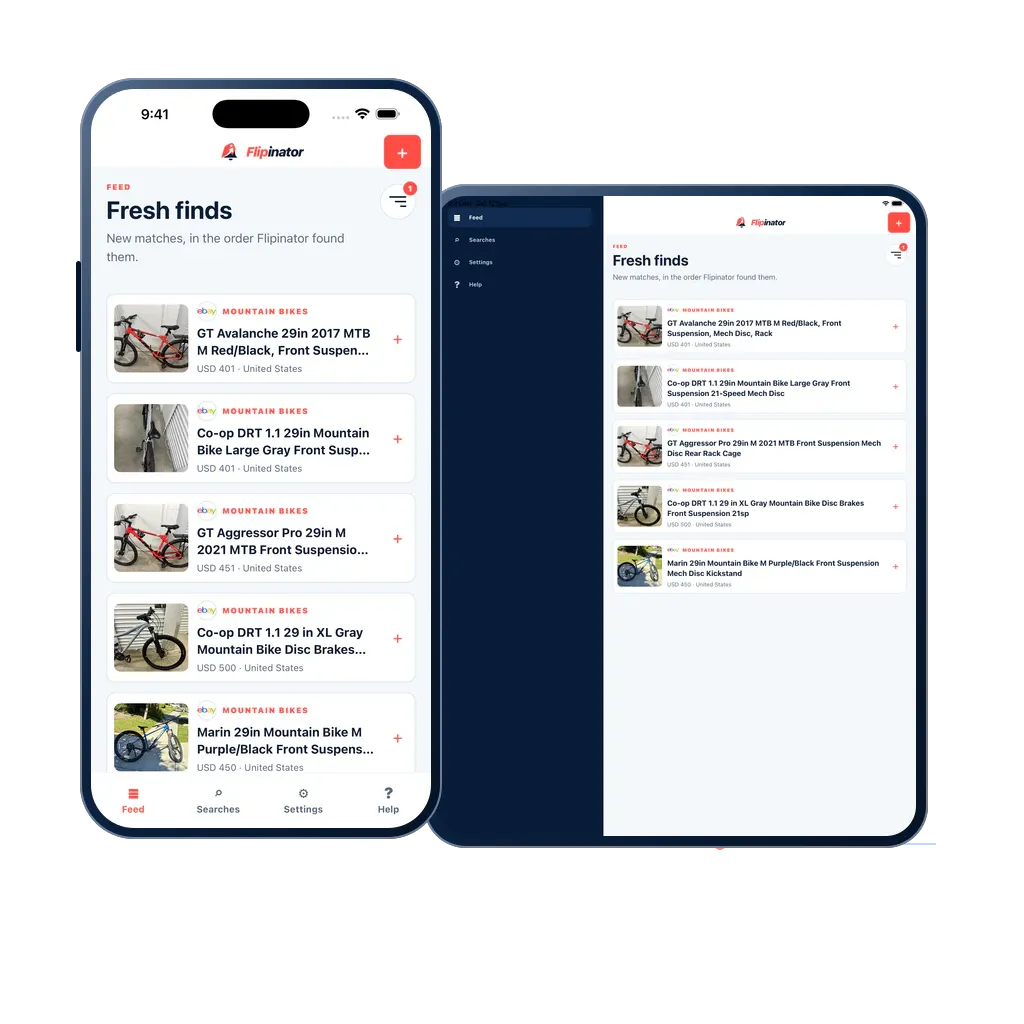
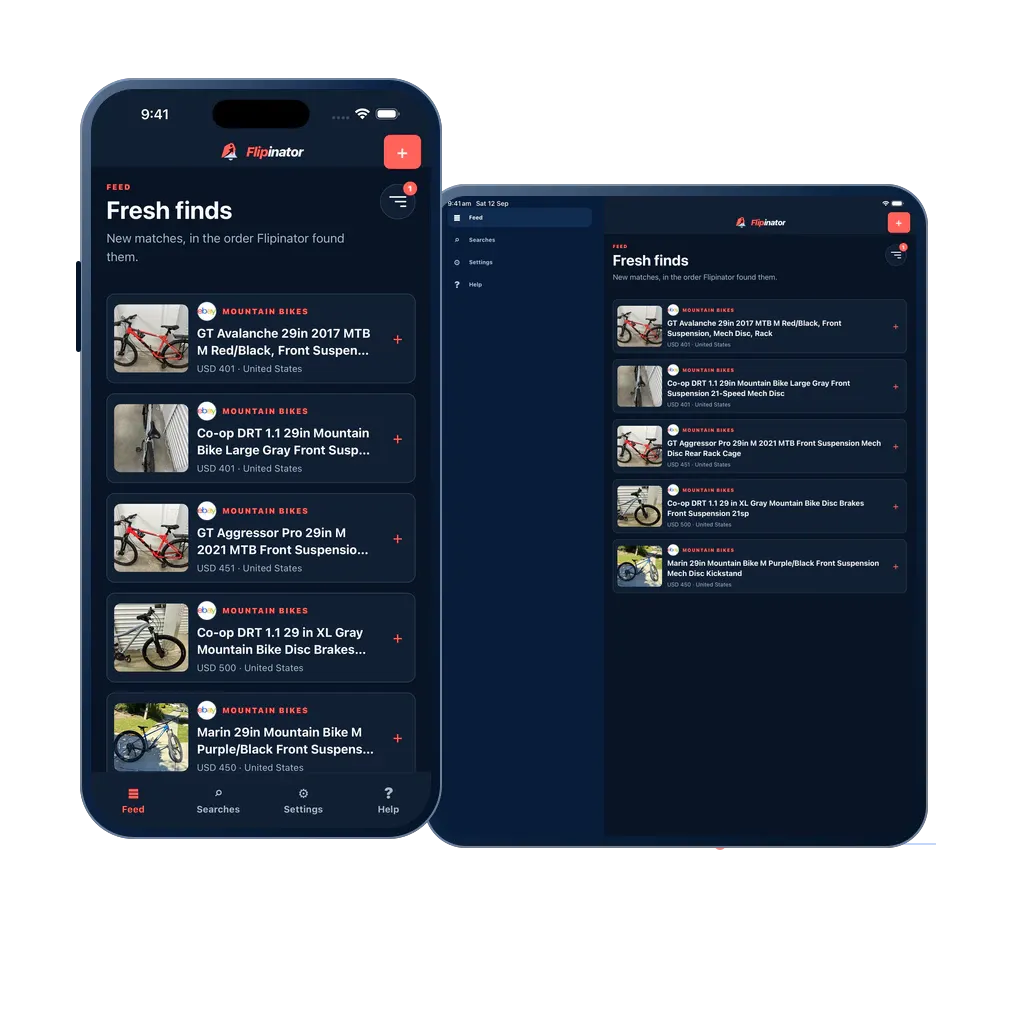
Create searches, review Feed and manage your account from a modern desktop, tablet or mobile browser.
Open the web appA layout shaped for your phone or tablet, native alerts and the same searches you use on the web.
Get it on the App StoreKeep your searches close on a phone, or spread out on a tablet. Open a new match straight from an alert.
Get it on Google PlayAllow notifications after saving your first search. When Flipinator finds a new match, your device can give you the nudge to take a look.
Choose how alerts sound and appear in your device settings. Your matches are always there in Feed when you’re ready.
Set up device alertsSwitch devices without setting up all your searches again.
Use the same sign-in for your saved searches, account capacity and matches across supported devices.
Using one account across devicesSystem, Light and Dark appearance, clear text and screen-specific layouts let you review matches your way.
Explore accessibilityFeed for new matches. Searches for what’s running. Settings for your account and device. Help whenever you need it.
Your account’s search capacity follows you. Installing on another device does not require a second plan.
Understand plans and capacityNo. Active searches run independently of the app being open. Receiving a push notification still depends on an internet connection, device permission and your phone’s notification settings.
Where Facebook Marketplace is available for your location, create a search for it and allow notifications on your supported device. Flipinator does not need your Facebook password.
Explore Facebook Marketplace alertsSign in to the same Flipinator account to use its search capacity. Manage an existing subscription through the provider that sold it. You do not need a second subscription just to use another device.
No. You review the plans in Settings and confirm a purchase only when you choose to subscribe. The purchase screen supplies the current price, included capacity, renewal period and terms.
Open the plan controls in Settings and choose Restore purchases while signed in to the same store account and Flipinator account. Restoring a purchase does not create a new one.