Matches your details
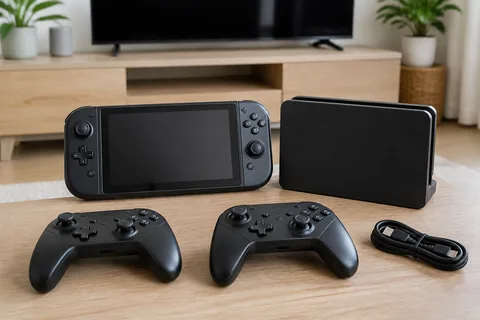
Console, dock & controllers
The complete setup for your next game night.
Finding something good is about more than spotting the right word. Give your search the context that makes a listing worth your attention.
“A complete handheld console, with its dock and controllers. No cases or accessories on their own.”
The complete setup for your next game night.
An accessory sold on its own.
A repair project, not a complete bundle.
1 useful match. 2 unrelated listings left out.
Illustrative filtering example. Matching depends on the details a seller supplies.
Choose the filters available for your marketplace, then explain what should count as a useful match.
Give your search a realistic budget. Keep your attention on listings you would actually consider buying.
Explore price filtersChoose a suggested location and a useful distance. A great table is less useful if you cannot get it home.
Explore location filtersWorking condition. The right size. Accessories included. Explain your must-haves and dealbreakers in plain language.
Explore match detailsAdd condition, category, required words and things to leave out where supported. Every filtering option, with examples
Choose an example to see the item description, search settings and matching listing.
“A compact camera for weekends away, under $350. Include the battery and charger.”
 Facebook Marketplace Facebook Marketplace
A working compact camera with its battery and charger. Leave out parts-only listings and accessories sold on their own.
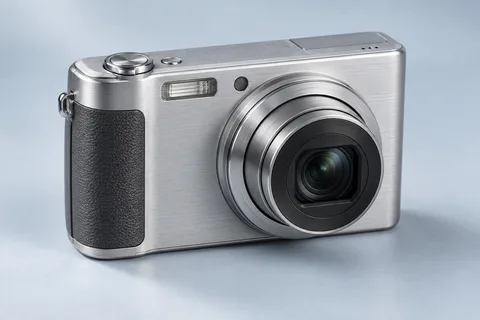
Working camera. Battery and charger included.
“A wood lounge chair for my reading corner. Under $250, with a fabric seat and no repairs needed.”
Facebook Marketplace Facebook Marketplace
A solid wood lounge chair with a fabric seat. Ready to use, with no broken frame or upholstery repairs needed.

Solid timber frame. Fabric seat. Ready for your reading corner.
“A medium-frame commuter bike under $500. Something ready to ride, not a repair project.”
Facebook Marketplace Facebook Marketplace
A medium-frame commuter bike in working order. No frames sold alone, children’s bikes or repair projects.

Medium frame. Working gears and brakes. Ready to ride.
Illustrative example. Each search watches one marketplace.
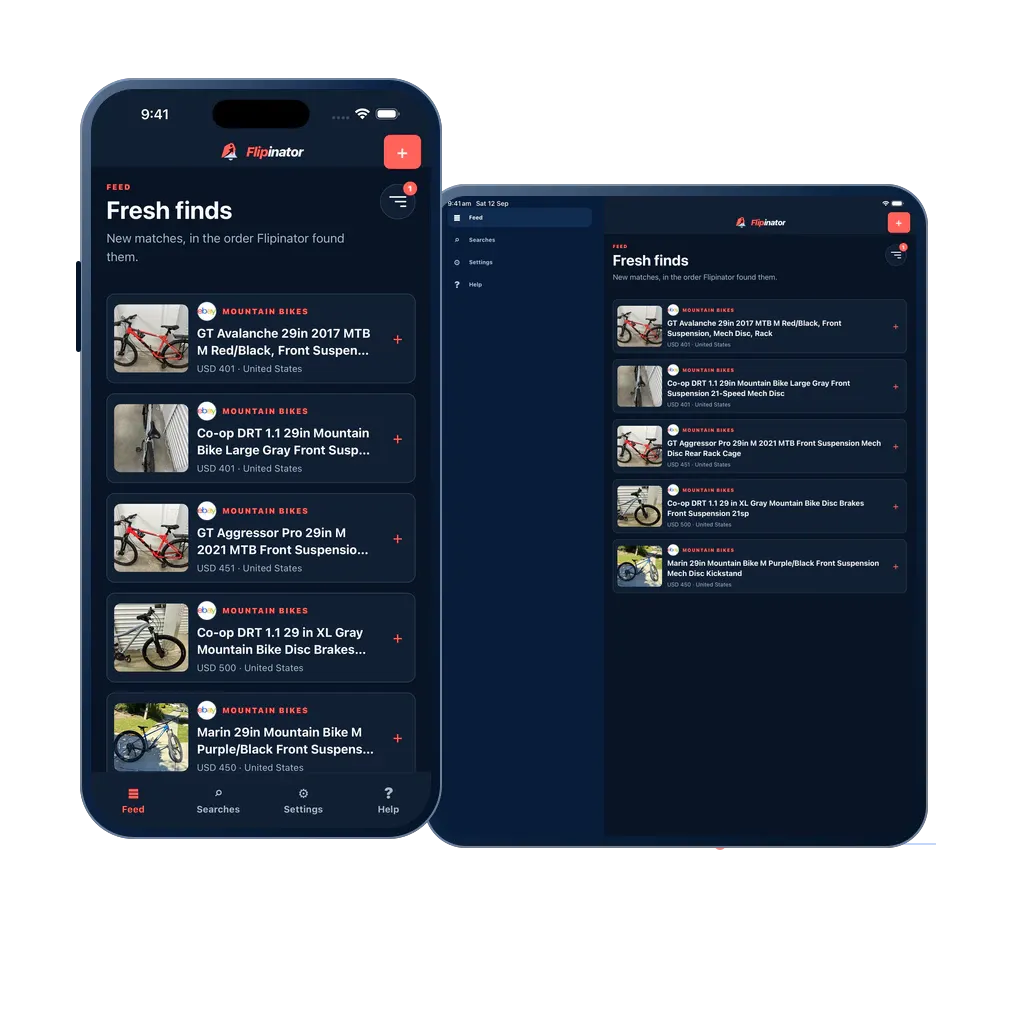
The photo, price, place and source together. Expand a match for details, then open the original listing when it looks promising.


Not every find needs the same attention. Choose a 1-minute, 10-minute or 60-minute checking interval for each search.
Compare search plans and pricesEvery 1 minuteA scarce model. A popular item. The piece you’ve been waiting for. Give your priority search our shortest checking interval.
One active search uses one slot at its interval.Every 10 minutesFurniture for the spare room, a tool kit for the next project, or a bike you’re ready to buy. A regular check while you get on with things.
One active search uses one slot at its interval.Every 60 minutesSomething you’d love if the right listing comes along. Keep the search running at an hourly pace while you take your time.
One active search uses one slot at its interval.Use the same account on web, phone and tablet. Readable layouts, clear controls and light or dark appearance make it easy to fit a quick check into your day.
Feed, Searches, Settings and Help keep the essentials close.
View apps and download options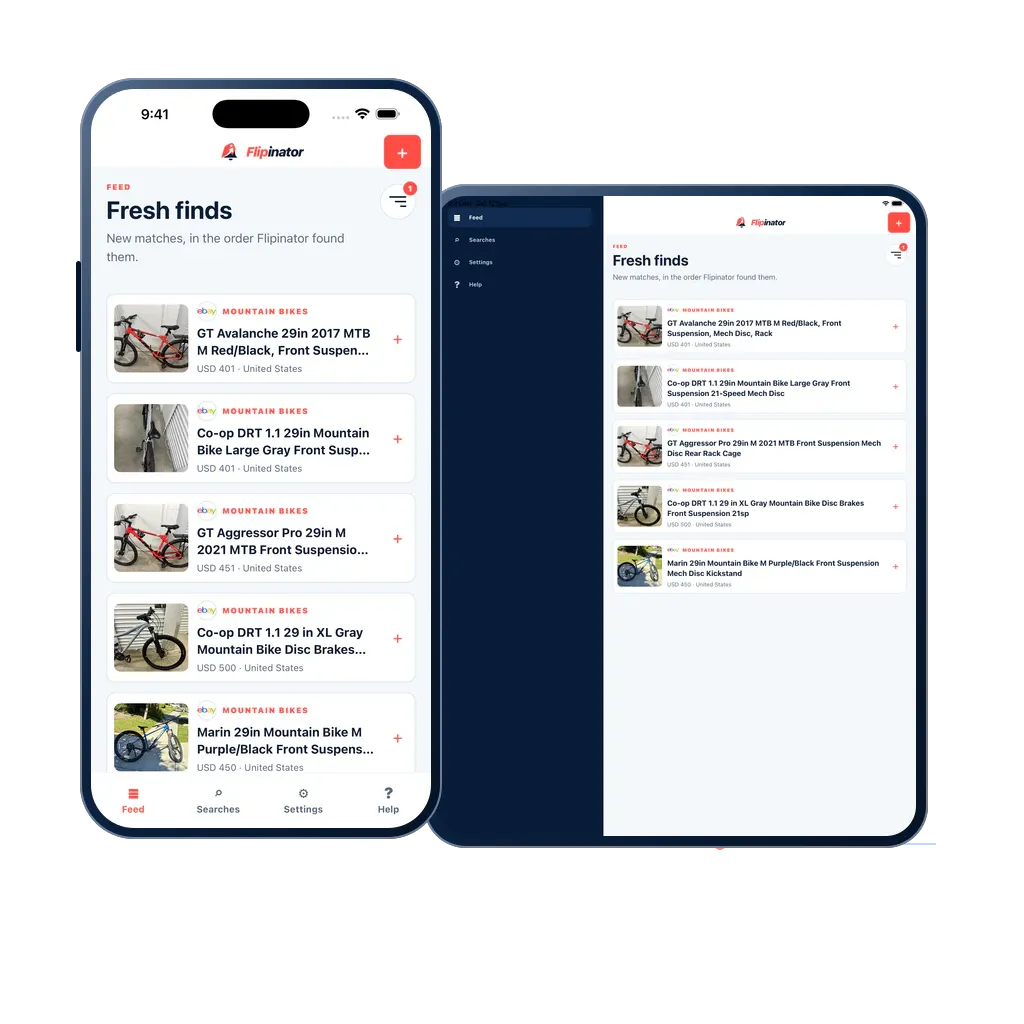
No. Flipinator shows the location, condition, category and other choices supported by the marketplace you select. Plain-language match details let you describe what makes an item useful, but cannot reveal information a seller has not supplied.
AI setup turns a description into a draft you can review and edit. AI match criteria describe what should count as a useful listing, including requirements and dealbreakers. You can review and change those criteria rather than learning a technical rule language.
Explore AI matching and filtersYes. Flipinator does not ask for marketplace passwords or sign-in codes. Its device alerts use notification permission on your browser or phone.
No. Pausing stops the checks and releases the search’s active slot. Its settings stay in your account, ready to resume when you have a slot at the same interval.
Choose an item, a marketplace and the details that matter to you.
Create your first search